





Open source for macOS

Small Mac tools that each do one job well.

uSuite is Ur Suite, your suite: native, keyboard-first utilities with plain-text settings and nothing uploaded. Its first family, sSuite, turns work done on screen into step-by-step evidence and guides.

One chain, one plain folder per case

You walk through a procedure on screen and need to hand over evidence or a guide: every screen at the same size, numbered in order, marked up with arrows and counters that continue from step to step, a caption per step, and easy to fix when step 7 turns out wrong. Viewers show one folder, screenshot editors flatten one image at a time, and step recorders keep your captures in their cloud. sSuite is a chain of small tools around a folder you own.

  1. CapturesCapture
  2. ViewsView
  3. NotatesNotate
  4. WalksWalk

sView

0.2 · download

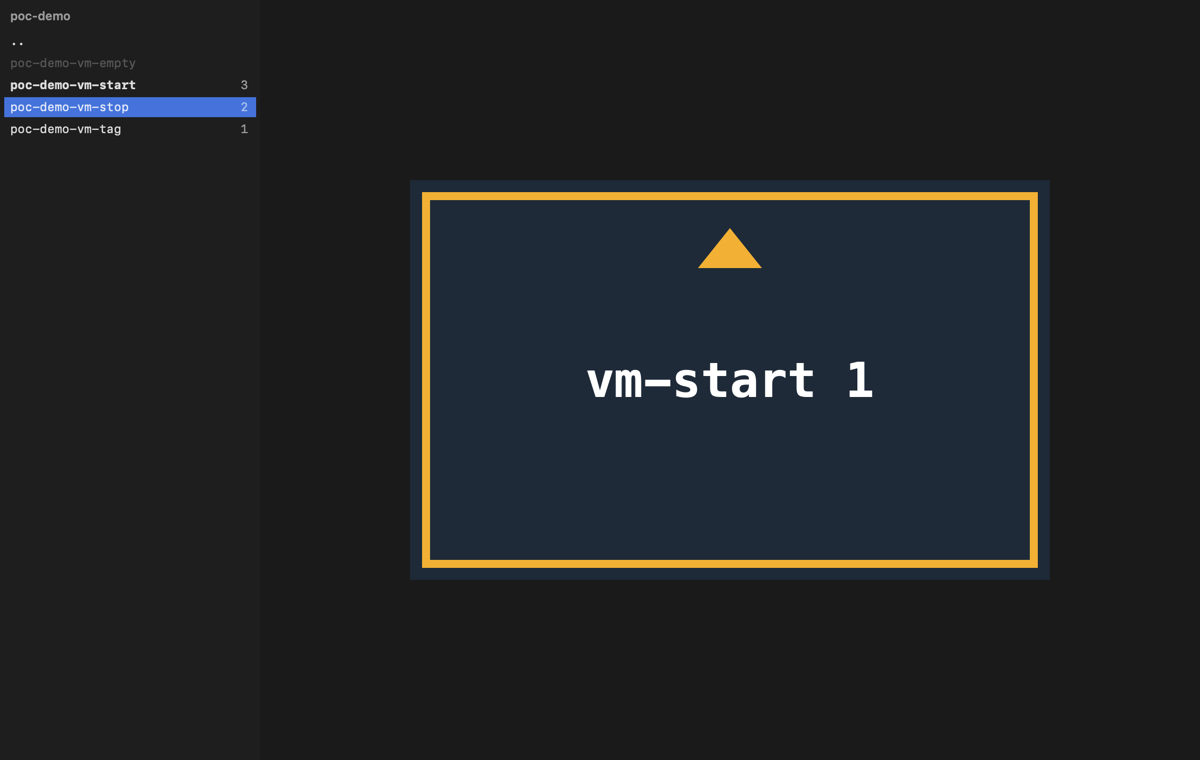
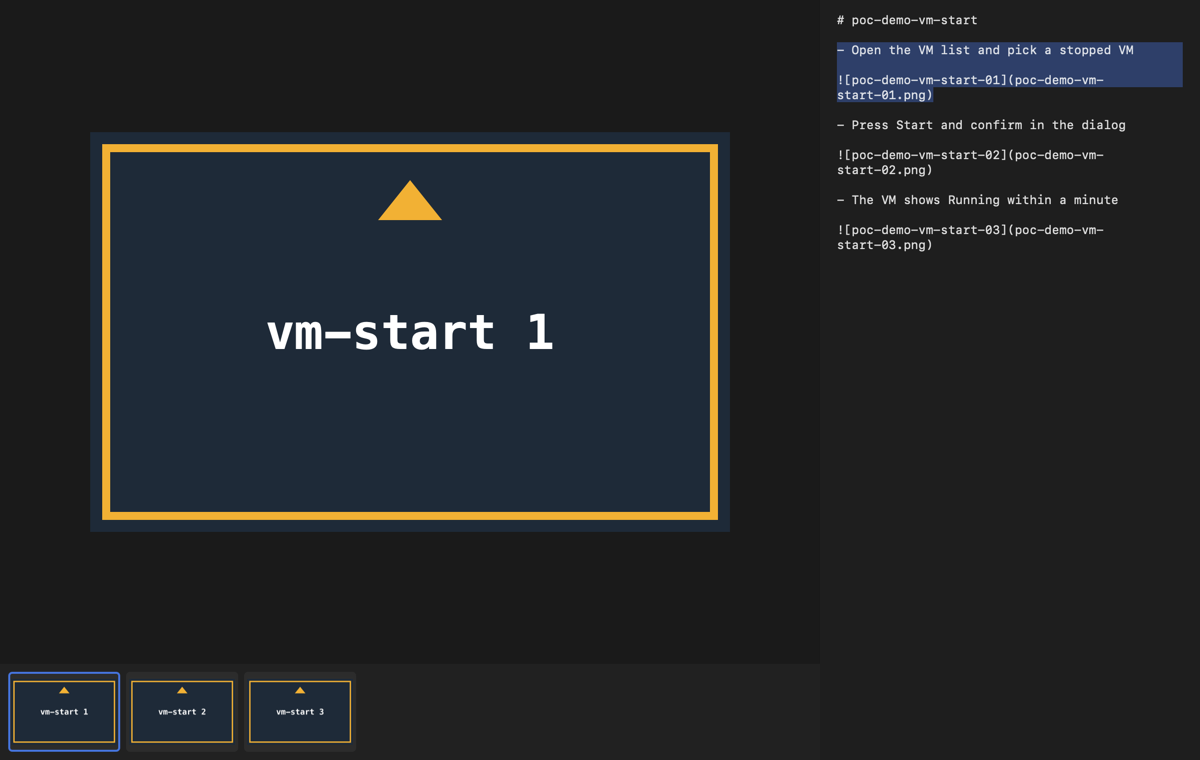
A super-fast image viewer you drive from the keyboard, and the reader of the chain.

  • About 210 ms from launch to the first image and 16 ms to the next on an M-series Mac.
  • Vim grammar: counts, gg and G, marks, / to filter, a : line with completion.
  • ] and [ jump between case folders; the case memo sits beside the captures.
  • Everything ImageIO decodes, animated GIF and WebP, side-by-side compare. It never changes a file.
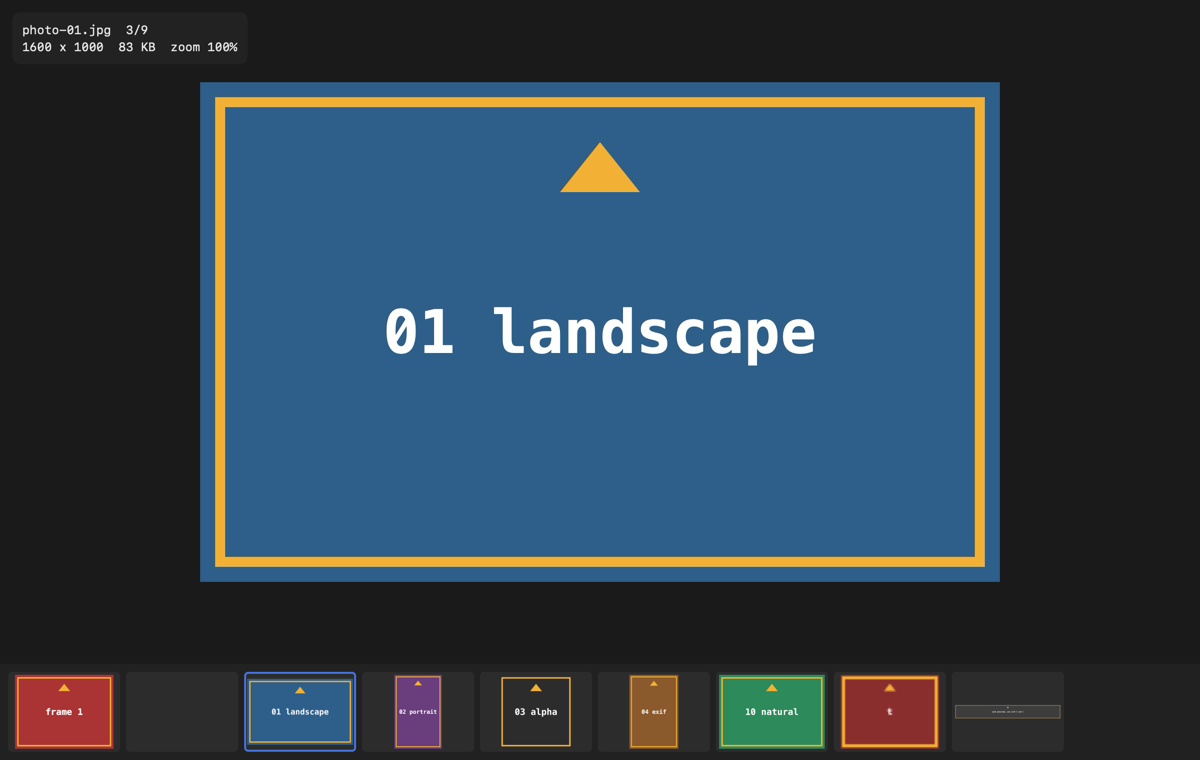
sView showing a capture with the thumbnail strip and the info panel
The folder sidebar with image counts The case memo next to a capture

sNotate

0.2 · download

Annotates a whole case folder as one story and exports one image per step.

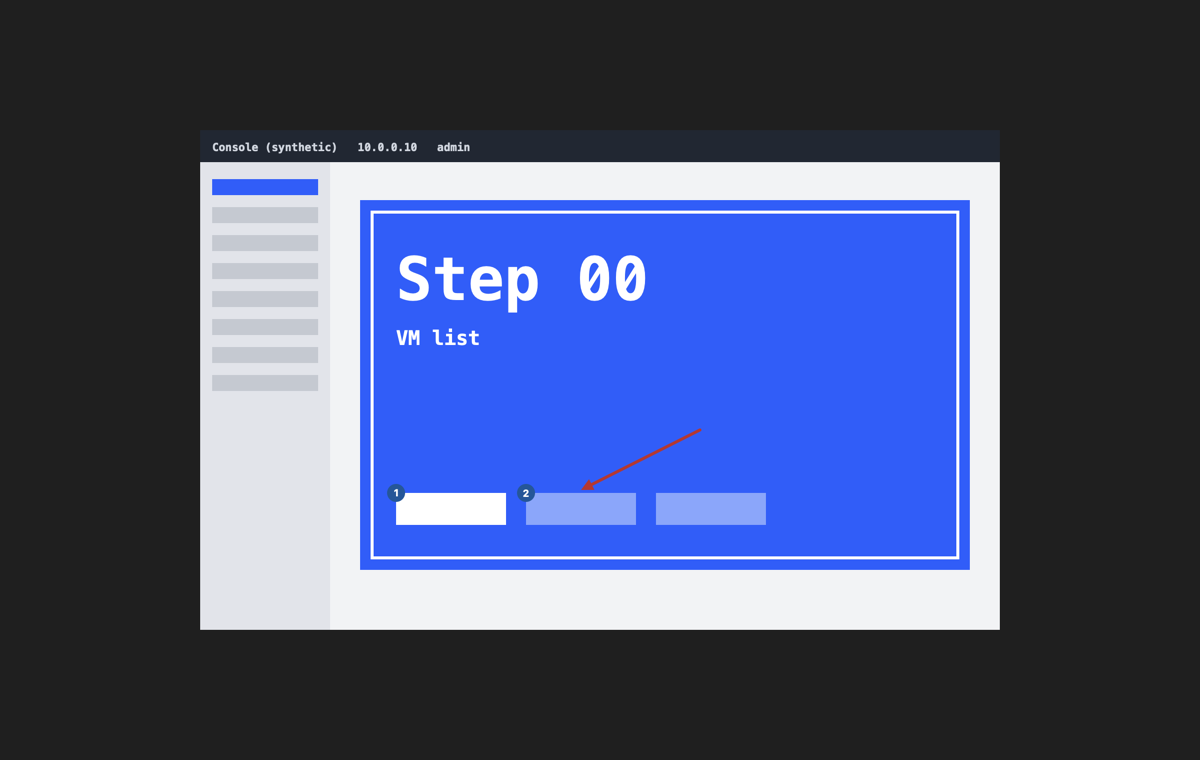
  • Arrows, counters that keep counting across steps, text, highlight, spotlight, blur and crop on single keys.
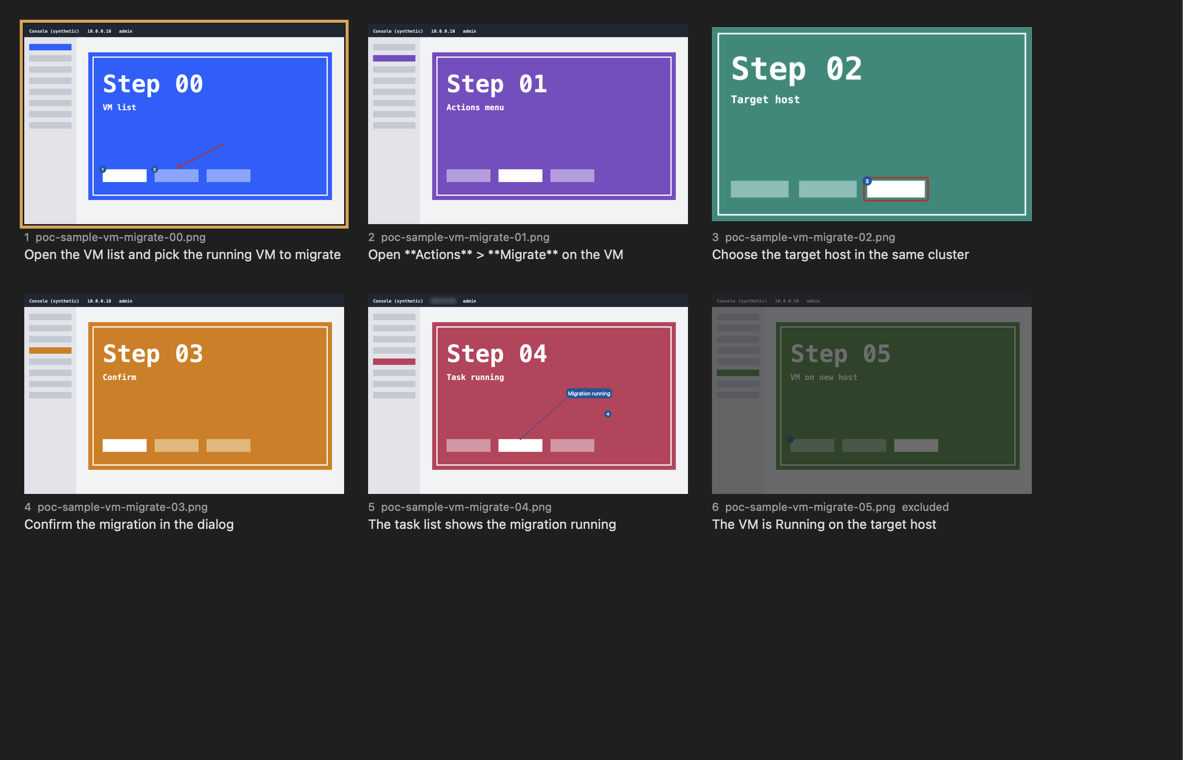
  • A storyboard of every step with its caption from the memo; drag to reorder, paste to insert.
  • Annotations live in a JSON sidecar, so they stay editable forever and diff in git.
  • Exports PNG or JPEG per step, a contact sheet, and a Typst fragment; headless with snotate --export.
A step with numbered counters and an arrow
The storyboard with captions from the memo

sCapture

0.1 · download

One key places a window at its profile's frame and captures it into the active case folder, always at the same pixel size; the menu bar shows the case and its step count.

Download

sWalk

planned

Renders a notated case as an animated step-by-step clip with subtitles, with no video editor involved. The last link of the chain.

Watch the organization

scommon

0.3

The Swift package the tools share: case folders, natural sort, the key value config and the vim-style keymap grammar. Tested first, tagged per change.

Read the source

Beside the chain

sPaste

0.1 · download

A clipboard history in a panel on ShiftCmdC that you walk with vim keys.

  • A normal mode: j and k, counts, / from the newest copy, ? from the oldest.
  • Filters by type and time: fi images, ff files, ft text, :since 2h.
  • The history is a plain folder you can read; deleting an item removes its file.
Installing: the first open is blocked once

Each download is a universal app for macOS 26 or newer. The apps are signed ad hoc, not notarised by Apple, so macOS stops the first open with "Apple could not verify". Choose Done, then allow it once:

  • System Settings > Privacy & Security, next to the line saying the app was blocked, choose Open Anyway.
  • Or in Terminal: xattr -dr com.apple.quarantine /Applications/sView.app (use the app's name).

Every tool also builds from source with Xcode 26. A sponsorship is what pays for a Developer ID, which removes this step for everyone.

The rules every tool follows

One job per tool

sCapture never edits, sNotate never captures, sView never changes a file.

The folder is the document

A case is a folder of captures with a memo beside them. No database, no library, no account.

Plain text everywhere

Settings, keymaps, sidecars and memos are text you can read, diff and keep in git.

Originals are never touched

Exports go to their own folder, and deleting means the Trash.

Keyboard first

One vim-style key grammar shared by every tool, and every command is in the menu bar too.

Native and fast

Swift and Apple frameworks only, no third-party dependencies, measured start-up and frame times.

Local and private

Nothing is uploaded and nothing phones home. This page has no analytics and sets no cookies either.

What people say

Posts and reviews from around the web, each linked to where it was said. Wrote about a tool? Tag #uSuite or open an issue with the link, and it may appear here.

No posts yet. Be the first: try a tool and say what you think.

Comments and ideas

Comments are kept in GitHub Discussions on this site's repository, so they stay open and searchable. Sign in with GitHub to post; the comment box loads from giscus.app when you scroll here.

Comments open soon. Meanwhile, start a thread in uSuite Discussions or open an issue on a tool.

Support the work

Every tool is free and stays free. Money goes first to an Apple Developer ID (so the apps open without the security detour), then to time for sCapture and sWalk.

Free ways that help just as much: star a repository, share this page, and report what breaks.

About

uSuite is built by one person, an infrastructure and cloud architect who spends a lot of time proving that things work, one screen at a time. The tools started as a way to make that evidence faster to capture, annotate and hand over, and grew into a small family with shared rules.

The name: sSuite is the family, with an s for super-fast and for Swift. The name was taken on GitHub, so the organization is uSuite: Ur Suite, since it is open source and yours to shape, or Utilities Suite, since that is what it holds.

Everything is MIT licensed, and the source of every tool is on GitHub.

Contribute

Every repository is small and kept by one person, so each contribution is felt. You do not need to write Swift to help:

  • Report a bug. What you did, what you expected, what happened, with your macOS and tool version.
  • Suggest an idea. Open an issue first for anything large, so we agree before you spend the time.
  • Send a fix. Branch off develop, keep make test green, one change per commit.
  • Improve the docs. Plain text, one paragraph per line.